Porting Guide
Learn how to port ProteanOS to new hardware platforms and processor architectures.

Porting Overview
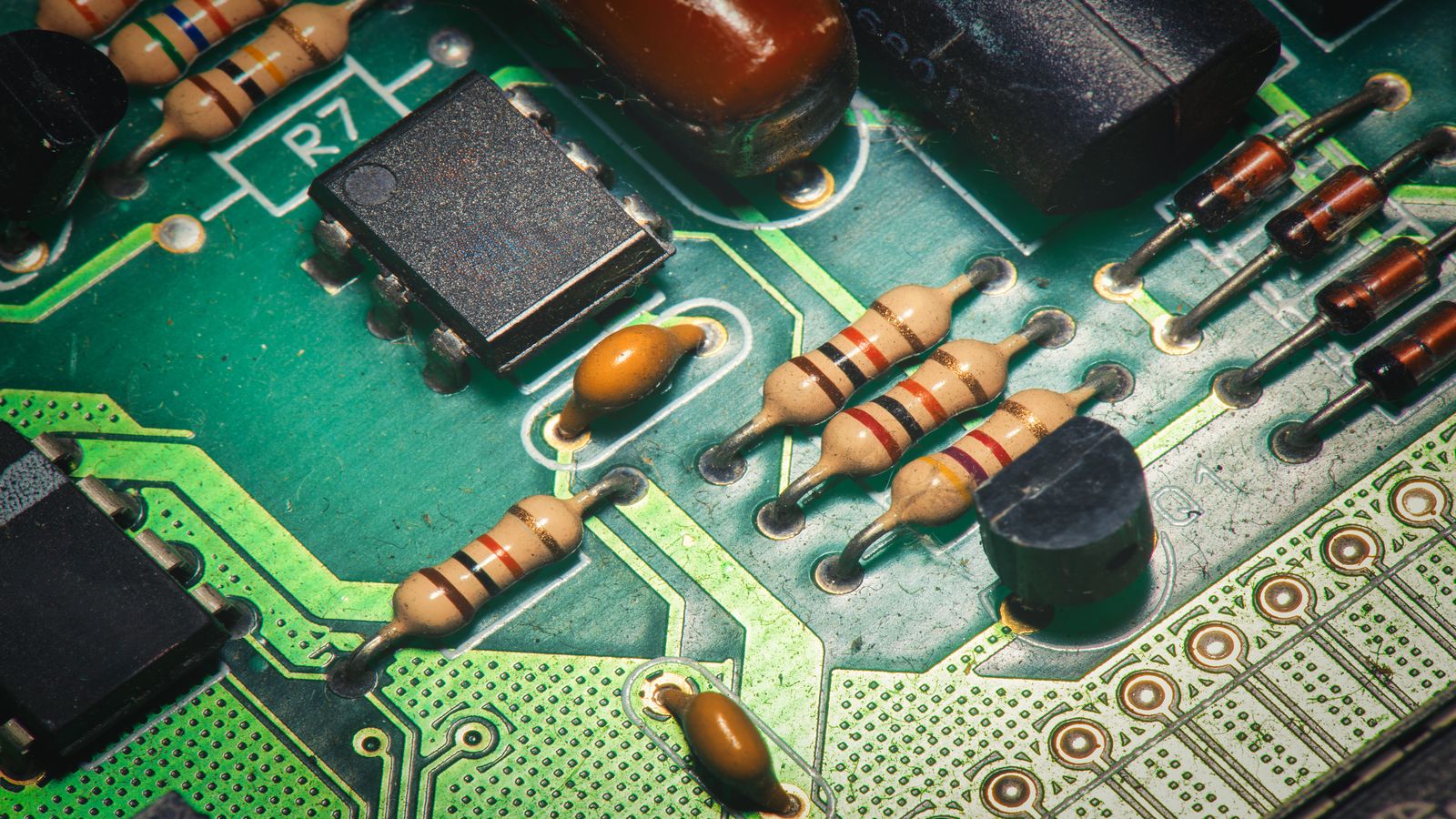
Porting ProteanOS to a new hardware platform involves adapting the system to work with different processors, memory configurations, and peripheral devices. This guide provides a structured approach to the porting process, from initial assessment through testing and integration.
The complexity of a port depends on how different the target platform is from existing supported hardware. Porting to a new board with an already-supported processor family is simpler than adding support for an entirely new architecture.
Porting Checklist
Use this checklist to track progress through the major porting tasks:
- Hardware assessment: Document the target platform's processor, memory, and peripherals
- Toolchain preparation: Obtain or configure a cross-compilation toolchain for the target architecture
- Boot process: Implement or adapt the bootloader and early initialization code
- Memory configuration: Configure memory maps, MMU (if present), and memory protection
- Interrupt handling: Implement interrupt controller support and exception handlers
- Timer configuration: Set up system timer for scheduling and timekeeping
- Serial console: Enable debug output through UART or similar interface
- Driver porting: Adapt or write drivers for platform-specific peripherals
- Testing: Verify functionality across all ported components
- Documentation: Document the port for future maintenance
Hardware Abstraction
ProteanOS uses hardware abstraction layers (HALs) to isolate platform-specific code from portable application logic. Understanding this architecture is essential for successful porting.
An embedded system typically consists of a processor, memory, and peripheral devices connected via buses. The HAL provides a consistent interface to these components, allowing higher-level code to work without modification across platforms.
HAL Components
- Processor abstraction: Startup code, exception handling, cache management, and processor-specific operations. When evaluating target platforms with specialized processing capabilities, understanding the differences between CPU and GPU architectures can inform hardware selection decisions for compute-intensive workloads.
- Memory abstraction: Memory mapping, allocation, and protection configuration
- Peripheral abstraction: Generic interfaces for GPIO, timers, serial ports, and other common peripherals
- Interrupt abstraction: Platform-independent interrupt management API
Bootloader Integration
The boot process begins when the processor starts executing after reset. A bootloader performs early hardware initialization and loads the main system image. Common bootloaders used with embedded systems include U-Boot, Barebox, and platform-specific solutions.
Your port must either:
- Use an existing bootloader that supports your platform
- Adapt an existing bootloader port for similar hardware
- Implement minimal bootstrap code if no suitable bootloader exists
Board Support Package (BSP)
A Board Support Package collects all platform-specific code and configuration for a particular hardware platform. The BSP typically includes:
- Linker scripts defining memory layout
- Startup code for processor initialization
- Clock and power management configuration
- Pin multiplexing and GPIO setup
- Device tree or platform data describing hardware
Device Tree Basics
Many modern embedded platforms use device trees to describe hardware configuration. A device tree is a data structure that describes the hardware components of a system, allowing the same kernel or system software to run on different boards with appropriate device tree files.
/ {
    compatible = "vendor,board-name";

    memory@80000000 {
        device_type = "memory";
        reg = <0x80000000 0x10000000>;
    };

    serial@10000000 {
        compatible = "ns16550a";
        reg = <0x10000000 0x100>;
        clock-frequency = <24000000>;
    };
};
Debugging Workflow
Debugging a new port requires patience and systematic troubleshooting. Essential debugging tools and techniques include:
- JTAG/SWD debugger: Hardware debuggers allow setting breakpoints, inspecting memory, and stepping through code
- Serial console: Early serial output is crucial for understanding boot progress and diagnosing failures
- LED indicators: Simple GPIO-driven LEDs can indicate progress through early boot stages
- Logic analyzer: Useful for debugging bus timing and peripheral communication issues
Mini Glossary
- BSP (Board Support Package)
- Collection of platform-specific code and configuration for a hardware platform
- Bootloader
- Software that runs first on a platform, performing hardware initialization and loading the main system
- Device Tree
- Data structure describing hardware configuration, allowing software to adapt to different boards
- HAL (Hardware Abstraction Layer)
- Software layer providing consistent interfaces to hardware, hiding platform-specific details
- MMU (Memory Management Unit)
- Hardware component providing address translation and memory protection
- Toolchain
- Collection of development tools (compiler, linker, etc.) used to build software for a target platform
Porting FAQ
How long does it take to port to a new platform?
It varies widely—from days for a similar platform with good documentation to weeks or months for novel hardware. Having reference designs and working bootloaders significantly reduces time.
Do I need a JTAG debugger?
A hardware debugger is highly recommended for porting work. Without one, debugging early boot issues is extremely difficult. Many low-cost options are available.
Can I port to a platform without public documentation?
It's possible but very challenging. Reverse engineering hardware is time-consuming and may have legal considerations. Well-documented platforms are strongly preferred.
Should I start with the bootloader or the main system?
Start with the bootloader if one doesn't exist for your platform. If a compatible bootloader is available, you can focus on the main system and drivers.
How do I contribute my port back to the project?
Once your port is working, clean up the code to match project style, document your changes, and submit patches to the development mailing list for review.